 REDLINE
 Less checking. More engineering.
An issue platform for engineering drawings, with an AI checker that scans the set and creates the markups for you.
The problem
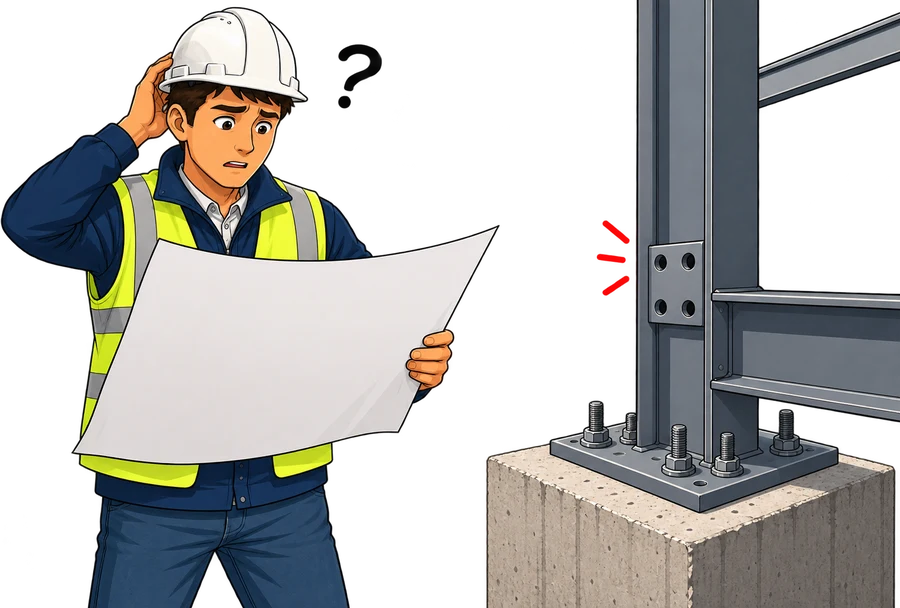
Drawings issued for construction cannot afford errors.
Firms issuing drawings carry risk. Ensuring a design is free of flaws is very difficult.
The cost
Errors slipping through compound costs downstream.
- Design
- Issue
- Missed
- Construction
- Problem Discovered
- Rework
- Expensive project delays and rework
- Fines and legal exposure
- Lasting harm to the firm's reputation
- Risk to human safety and life
How firms check today
The review cycle, run by hand.
The review cycle
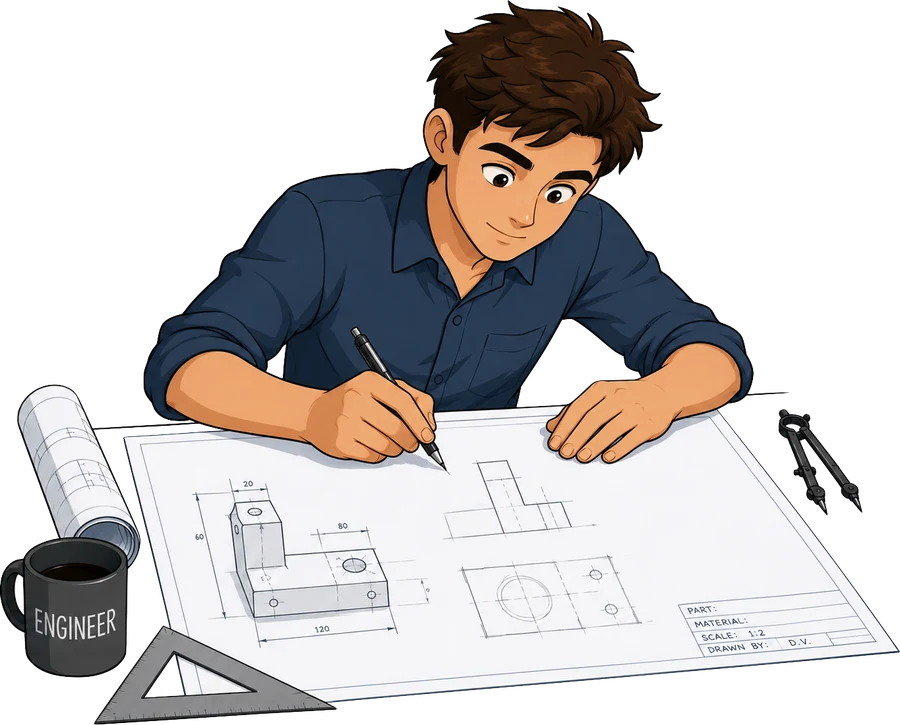 Draft $37–$54/hr
 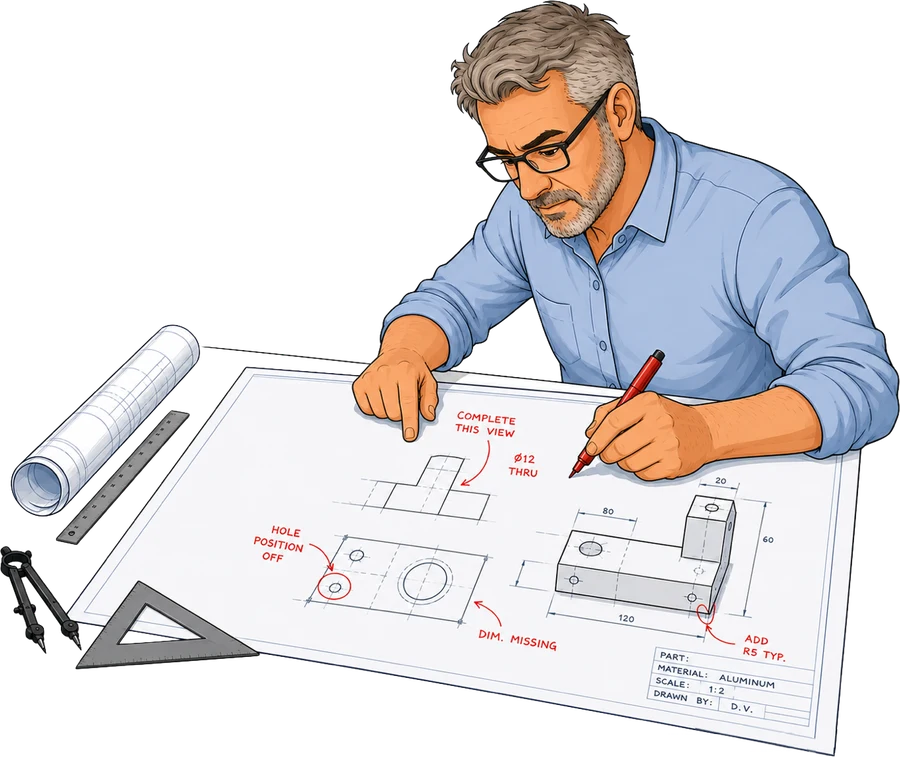 Check $53–$95/hr
 Daysper cycle
The time cost
Review cycles are slow and the waiting compounds.
20–25%
of drafting hours go to checking — approximately 10 hours for every 40 drafted.
Days
elapsed per cycle, as the drafter and checker wait on each other.
Weeks
to clear a drawing that needs two or three review cycles.
Errors slip through
Between 2 and 10% of issues go unflagged,
and are caught only after submission.
Monotony breeds fatigue
- Checking is repetitive work
- Habits take over, attention drops
- Not a diligence problem
Mistakes reach the client
- 2–10% go unflagged
- Varies by individual checker
- Caught only after submission
The tracking gap
Current setups don't follow issues across revisions.
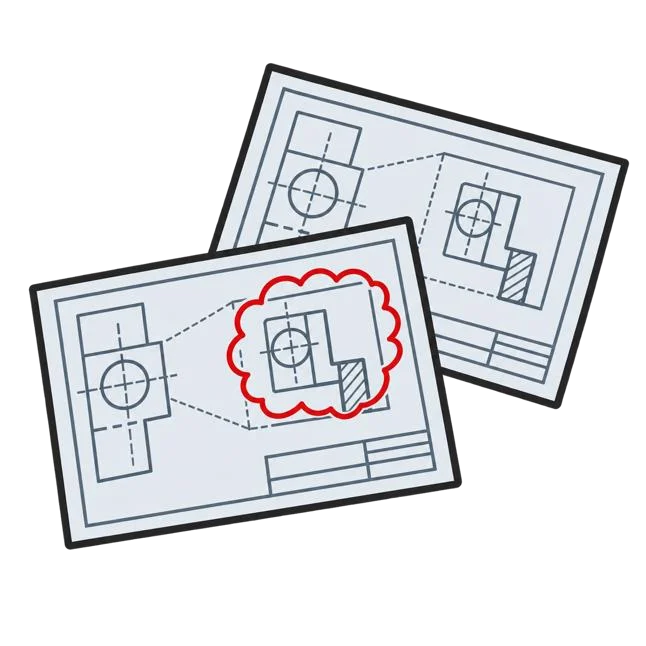
PDF markup tool
- Marks up one revision
- Status resets each time
- No link to the fix
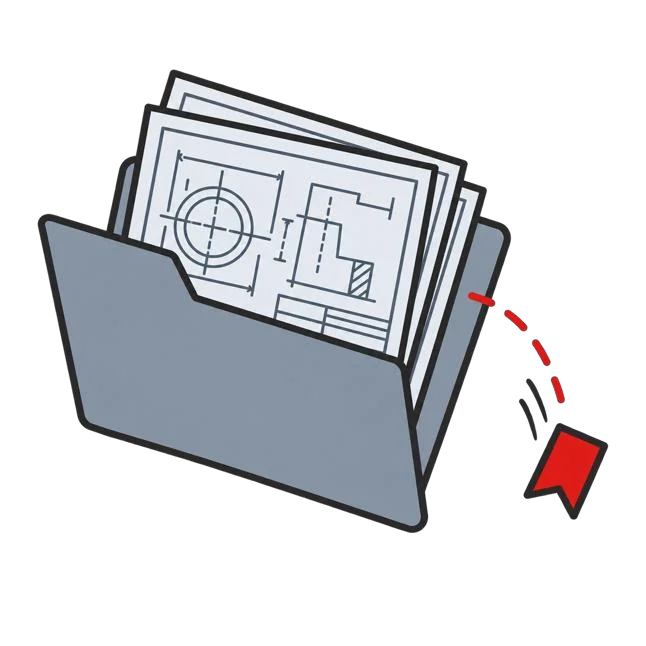
Shared file system
- Stores the revisions
- Issues exist elsewhere
- Issue status not tracked
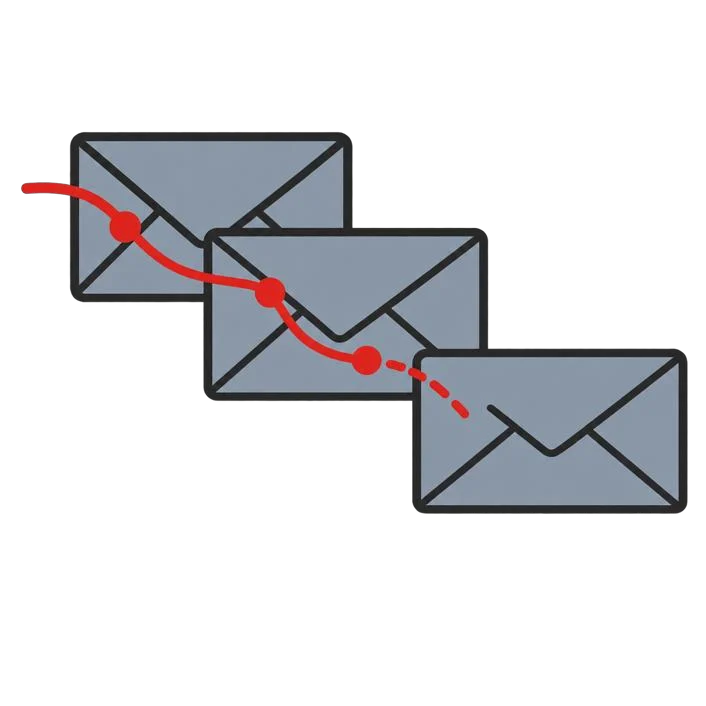
Email threads
- Where fixes get requested
- History buried in inboxes
- No outstanding list
The markup lives in one place, the revisions in another, and the request to fix it in a third. Nothing joins them.
What has changed
AI can now review engineering documents without fatigue.
Intelligent engineering software can scan a drawing for issues in minutes, at the same standard every time.
How Redline works
The same cycle, with the waiting taken out.
The Redline cycle
Draft 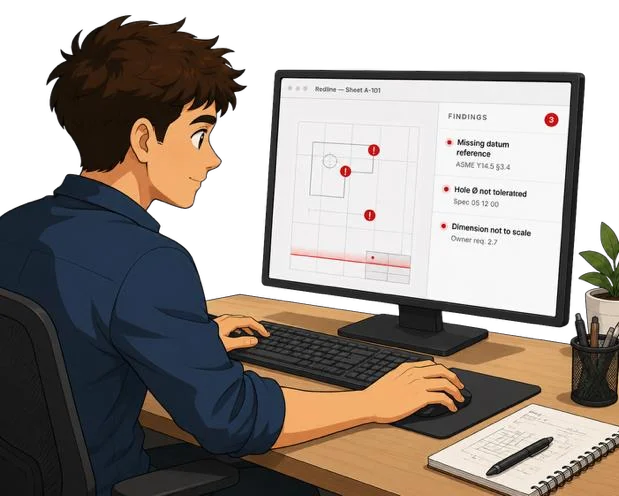 Pre-check for Issues using Redline Final Check
 Minutesper cycle
Human in the loop: Redline pre-checks for issues, the engineer owns final review.
Why it is better
Days of waiting become minutes of scanning.
A cycle waits for the checker to be free, then waits again for the drafter to pick the drawing back up.
The drafter runs the scan themselves and has an issue report back in minutes. Nobody is waiting.
The checker still signs off, now on a drawing that has been pre-checked by Redline.
Traceability
One record of every issue, across every revision.
-
Full history
Tracks issue raised, when it was raised, and how it was resolved.
-
Verify and add
The checker confirms fixes and logs their own findings in the platform.
-
Nothing dropped
Issues stay attached to the drawing until verified as resolved.
Platform at a glance
What Redline does.
Scans the drawing set and creates the markups for you.
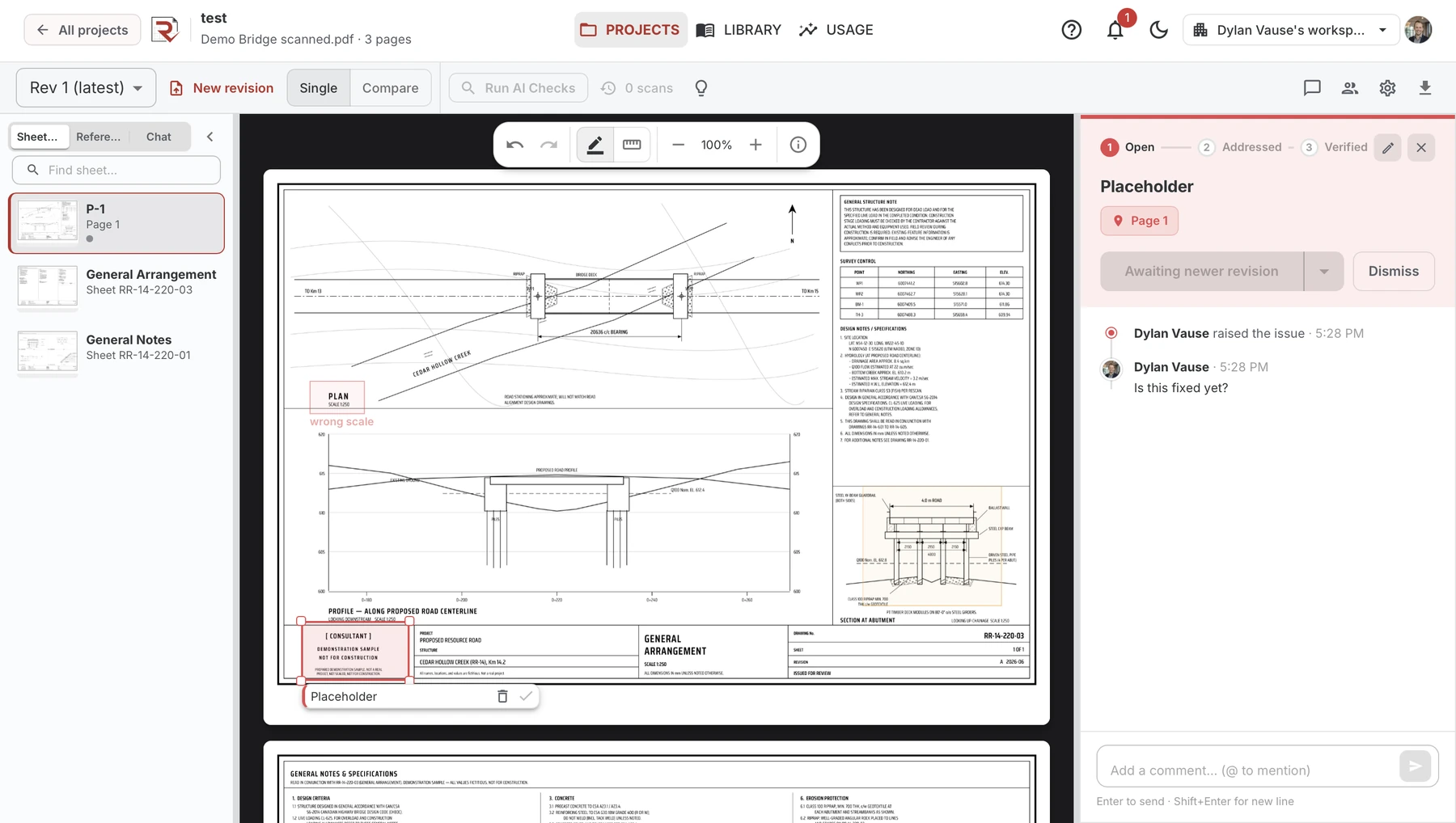
- Runs a pre-issue QC: cross-sheet consistency, typos, title blocks, references, dimensioning
- Ingests the QC checklist your firm already uses and runs it automatically
- Checks against attached codes and standards, plus design context such as field notes and survey data
- Cites the exact clause behind every issue it flags
Included at no charge
One thread per issue
The markup, its discussion, and its spot on the sheet stay together in one place.
Issues carry forward
New revisions auto-match sheets and keep open issues until resolved.
Revision compare
See how an issue changed between two revisions, side by side.
Validation
How we prove it, on your drawings.
The bottom line
Faster, sharper, clearer.
Faster
Issues surface in minutes instead of days spent waiting on a review cycle.
Sharper
More errors caught before a drawing ever reaches the client.
Clearer
One persistent record of every issue across all revisions.
Next steps
Get started.
-
Send us a drawing package
We run it through Redline for you and send back the results. You see a sample of what Redline catches on your own drawings.
-
Get started in the Redline platform
Your team gets access right away. Mark up issues on documents and track them across revisions at no charge. Add AI drawing scans, which create the markups automatically, whenever you are ready.